AI Mastery Education
AI Tools Course Online: 30-Day Certification for Non-Coders
Master generative AI, prompt engineering and 11+ professional AI tools — no coding required. Built for students, professionals, business owners and entrepreneurs.
30
Days
05
Modules
11+
AI Tools
01
Capstone
What you will be able to do
Master Generative AI, Prompt Engineering & Modern AI Tools
- Explain what AI is, how it works and where it fails, in plain language.
- Write structured, reliable prompts that produce usable output first time.
- Operate eleven professional AI tools across writing, research, design and building.
- Redesign a real workflow from your own job or studies around AI.
- Verify AI output and apply ethical, privacy-safe practice with confidence.
- Present a finished capstone project as portfolio evidence to employers.
How the 30-day program works
01
AI Foundations
Days 1–6What AI actually is, how it learns, and where it goes wrong.
02
Prompt Engineering
Days 7–12The single highest-leverage skill — turning vague requests into reliable output.
03
Mastering the AI Tools
Days 13–21Hands-on command of eleven professional tools, with real applications.
04
Real-World Use Cases
Days 22–27Applying the toolkit to genuine scenarios from study and work.
05
Capstone Project
Days 28–30Independent work that proves capability and becomes portfolio evidence.
Who's teaching
Learn from an Industry Expert Certified by IIT Madras in AI & Data Science
The programme is led by an industry expert certified by IIT Madras in AI & Data Science and built around real-life use cases, not tool demonstrations. Every module ends with practical work drawn from your own job, studies or business — culminating in a capstone project assessed for your certification and usable as portfolio evidence with employers.
Certification
AI tools certification: proof of skill, not just attendance.
Certification is awarded on completion of the capstone project, so the credential reflects work you actually produced. Add it to your CV, LinkedIn profile and portfolio as verifiable evidence of applied AI capability.
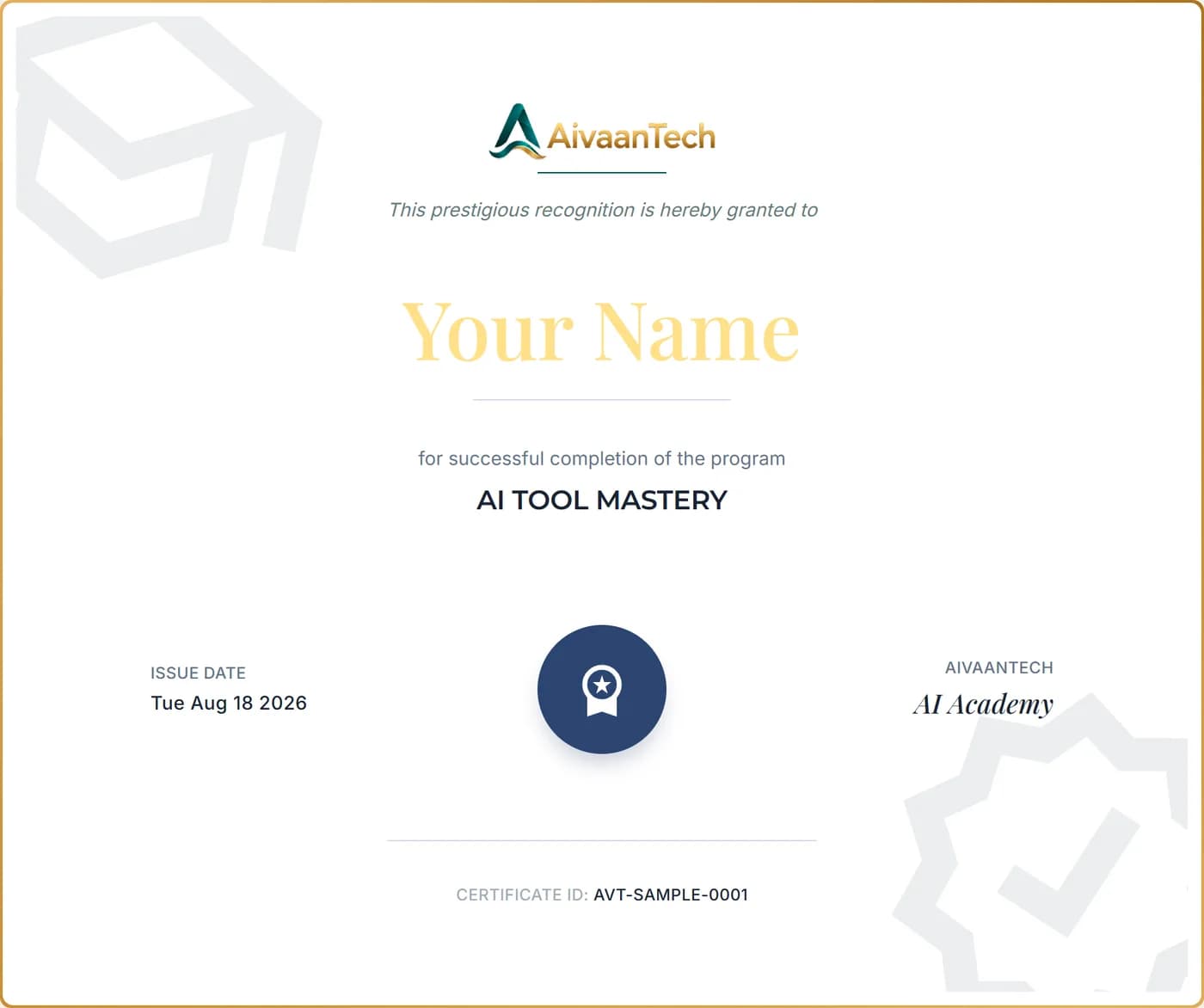
Your Certificate
What you'll receive.
An AivaanTech AI Academy certificate with your name, the course title, the issue date and a unique certificate ID. Add it to your CV, LinkedIn profile or portfolio.
Anyone can confirm it's genuine by entering the certificate ID on our certificate verification page.
Sample shown with placeholder details.
Tools covered
Ecosystem Mastery: ChatGPT, Claude, Microsoft Copilot, and Canva AI
Not a demonstration tour. Every tool is taught with its features, its limits and a practical application you complete yourself.

ChatGPT
Research, writing, analysis, project work

Claude
Long documents, professional writing, artifacts

Gemini
Multimodal work across Google Workspace

Microsoft Copilot
AI inside Word, Excel, PowerPoint, Outlook

Perplexity
Current web research with citations

NotebookLM
Grounded answers from your own documents

Canva
Design, presentations, branded visual content

Lovable
Build working apps by describing them

Replit
Build, run and host projects in the browser

Cursor AI
AI-assisted development environment
Built For
Who this is for.
The same 30-day program, with guidance specific to how each audience actually uses it.
Students
Build AI skills that show up on your resume.
Managers & Executives
Evaluate AI and apply it to real decisions.
Teachers & Educators
Lesson planning, materials and research.
IT Professionals
Prompt engineering beyond one coding assistant.
Non-Coders
No programming background required, ever.
Working Professionals
A full AI toolkit, not one habit.
Certification in India
Capstone-assessed, based in Kerala.
New Course
GPT-6 Astra Mastery
Go deep on one model. GPT-6 Astra is OpenAI's frontier model for complex reasoning and real-world task execution. This practical course shows how Astra can run research, build and test websites, analyse data, create documents and spreadsheets, and work through hard coding problems — and how to delegate multi-step tasks to it responsibly, with a clear view of its limits.
- Beginner level
- 5 modules
- 60 days' access
- Certificate on completion
- English
A separate course from AI Tool Mastery, for students, professionals, educators, researchers, developers and business leaders.
What you'll cover
- 01Understanding GPT-6 Astra
- 02GPT-6 Astra: Coding, Scientific Discovery and Cybersecurity
- 03GPT-6 Astra Real-World Applications
- 04Aligning and Deploying GPT-6 Astra Responsibly
- 05Mini Project
Student Outcomes
What our graduates say.
Real feedback from AI Tool Mastery and GPT-6 Astra Mastery learners, in their own words.
FAQ
AI Tool Mastery, answered
Start learning at your own pace.
A self-paced, 30-day program you can start any time, with 60 days of access to revisit every lesson. Visit the learning platform to see pricing and enrol.