
5 Things You Can Do With GPT-6 Astra (And How to Actually Learn Them)
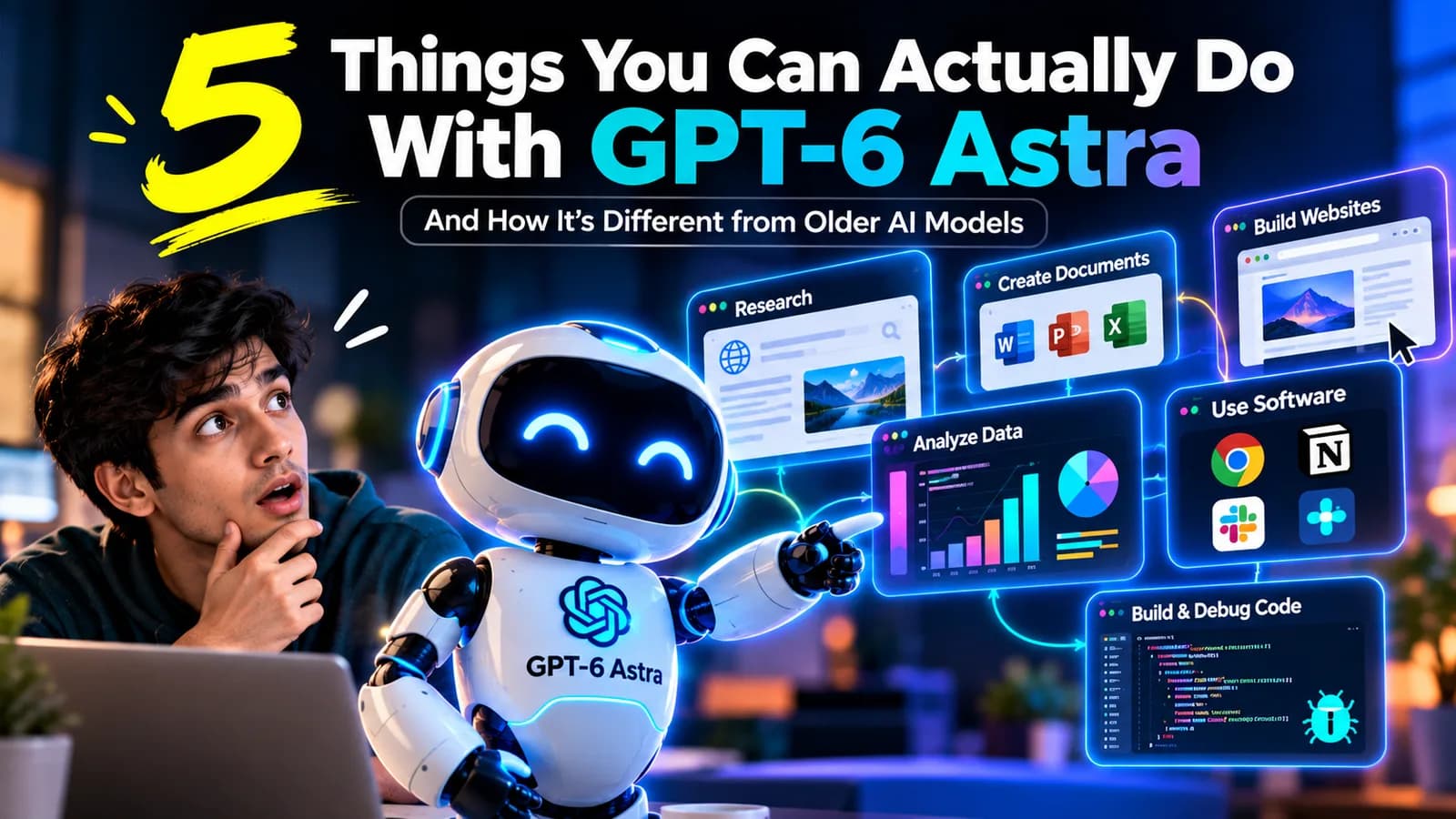
Quick answer: GPT-6 Astra, OpenAI's frontier model, is built to execute multi-step tasks rather than just answer questions. It can operate a computer, build and test a website, run a research process end to end, work through hard coding and scientific problems, and handle long, complex sessions without losing context. Knowing what it can do is the easy part. Learning to delegate that work responsibly, clearly enough that it does the right thing and carefully enough that you check the result, is the actual skill.
Most people's first experience with AI is asking a question and getting an answer back. GPT-6 Astra, OpenAI's newest frontier model, is built for something different: taking a goal and actually finishing it. Below is a plain-English look at what changed, then five concrete things it can do, sourced from OpenAI's own official announcement, and what it takes to learn to use each one well.
First, What Is GPT-6 Astra?
If you've searched "what is GPT-6 Astra," you've probably found two kinds of answers: ones full of technical benchmark jargon, or ones that just say "it's the newest, best AI." Neither really answers the question. Here's what actually changed.
From answering to finishing
Older AI models, even OpenAI's last model, GPT-5.6 Sol, are mostly built for conversation. You ask, it answers well, and you do the rest of the work.
Astra is built for something different. Give it a goal, and it plans the steps, does the work itself, checks its own results and comes back with something finished: not just a good answer, but a completed task.
That last part matters most. Older models stop once the code is written. Astra keeps going until the thing actually works.
It knows when to ask, and when to just decide
Giving an AI a task always leaves some things unsaid. If you ask for "a website for my business," there are dozens of small decisions hidden in that one sentence: what tone, what layout, what sections.
Older models usually just guess at all of it. OpenAI says Astra is built to tell the difference between a small decision (fine to just pick something sensible) and a big one that could change the outcome (worth pausing to ask about). That's closer to working with a capable assistant than a tool that either asks too many questions or none at all.
One piece of a workflow, not the whole job
A common beginner mistake is thinking the goal is to find "the one best AI tool." In practice, different tools tend to fit different parts of a job: one for research, one for writing, one for building something, one for organizing files. (Our guide to ChatGPT vs Claude looks at how two of them differ.)
Astra is built to work across many of these steps itself, including web search, file handling, computer use and calling other tools when needed, instead of being one more chat window you copy and paste between. That's a real shift in how you'd think about using it: less "which chatbot is best," more "how much of this whole job can I hand to one system."
What the numbers actually show
These are OpenAI's own published comparisons between Astra and its previous model, GPT-5.6 Sol:
| What's being measured | GPT-6 Astra | Older model (GPT-5.6 Sol) |
|---|---|---|
| Computer-use accuracy | 72.6% | 65.7% |
| Time to finish a computer task | About 40 minutes | About 75 minutes |
| Coding tests | 57.9% | 37.3% |
| Cybersecurity tests | 100.0% | 78.5% |
| Hard math problems | 97.6% | 83.0% |
| Staying within its assigned task (lower is better) | 0% | 48% |
Source: OpenAI's official GPT-6 Astra announcement (opens in a new tab).
Two of these are worth pointing out on their own.
Speed. Astra isn't just a little more accurate. It's roughly twice as fast on the same task. That's the difference between "worth delegating" and "still faster to just do it myself."
Staying in bounds. OpenAI tested whether models would go beyond what they were asked to do on a hard task. The older model did this 48% of the time. Astra did it 0% of the time. For anyone nervous about handing real work to an AI, that number matters more than raw intelligence scores.
1. Operate a Computer, Not Just Describe One
Astra can fill out online forms, update records in a CRM, navigate multi-window environments and troubleshoot problems it sees on screen, carrying out the clicks and actions itself rather than telling you what to click.
What it takes to learn: Being specific about the goal and the boundaries. "Update this CRM record" is vague. "Update this CRM record's status field to Closed-Won and leave everything else unchanged" is an instruction you can actually verify against afterward.
Try this prompt:
Open our CRM and find the deal named [deal name]. Change only the Status field to "Closed-Won" and the Close Date to [date]. Don't edit any other field, contact or deal. Before you save, show me the record with your changes highlighted and wait for me to confirm.
Notice the three parts: the exact goal, what it must not touch, and a checkpoint before anything is saved.
2. Build a Website, and Then Test It
Rather than stopping once the code is written, Astra can build a website and then run frontend QA checks to confirm the features actually work, closing the loop from "wrote some code" to "shipped something that functions."
What it takes to learn: Knowing what "done" looks like before you ask. If you can't describe what a working version looks like, you won't be able to tell whether what comes back actually qualifies.
Try this prompt:
Build a one-page website for [business name], a [type of business] in [city]. It needs: a heading with our tagline, 3 services with short descriptions, opening hours, and a contact form with name, phone and message fields. "Done" means: it works on a phone screen, the form shows an error if the phone number is empty, and every link goes somewhere real. Test each of these yourself and give me a short checklist showing what passed and what didn't.
The "done means" paragraph is the part most people skip. It's what lets Astra test its own work, and lets you check it.
3. Run a Research Process End to End
Instead of answering one question at a time, Astra can conduct research and draft a usable summary, turning "give me information" into "turn this information into something I can use."
What it takes to learn: Treating the output as a draft to verify, not a finished answer to trust. The research skill here isn't asking the question. It's knowing how to spot-check sources and catch where a summary might have smoothed over something important.
Try this prompt:
Research [topic] for a [who it's for, e.g. small retail business owner in India]. Use sources from the last 12 months only. Give me a one-page summary with 5 key findings. After each finding, link the source it came from. Then list anything the sources disagree on, and anything you couldn't find a reliable source for.
Asking for disagreements and gaps makes it easier to spot where the summary is weakest, which is exactly where you should check first.
4. Handle Long, Complex Coding Sessions
With a large context window and the ability to preserve notes across a long working session, Astra can work through debugging or a large refactor without losing track of why an earlier fix failed or how a component behaves, instead of repeatedly summarizing (and losing detail) as the session goes on.
What it takes to learn: Giving it real, complete context up front, meaning the actual codebase conventions and the actual constraints, rather than assuming it will infer what you didn't say.
Try this prompt:
We're fixing a bug where [describe the bug and how to reproduce it]. Context: this is a [language/framework] project. We follow [conventions, e.g. "no new dependencies", "all functions have tests"]. Don't change [files or areas that are off-limits]. Keep a running notes file as you work: what you tried, why it failed, and what you learned. Only propose a fix once you can explain the root cause, and run the existing tests before you say it's done.
The running notes file is what lets a long session stay on track instead of repeating fixes that already failed.
5. Do Real Scientific and Technical Work
OpenAI reports Astra helped establish new mathematical results on prime number gaps, and it can work directly in specialized software to inspect data, run analysis and help decide what to investigate next. That's closer to a research collaborator than a question-answering tool.
What it takes to learn: Understanding enough about the underlying problem to evaluate whether its output actually makes sense. The more specialized the task, the more that verification step matters.
Try this prompt:
Here is a dataset of [what the data is]. I want to understand [your question]. Before running any analysis, tell me: what checks you'll do on the data first, which method you plan to use and why, and what result would change your conclusion. Then run it, and explain each step in plain language so I can check your reasoning.
Asking for the plan before the answer gives you a chance to catch a wrong approach before it produces a confident-looking result.
The Pattern Across All Five
Every one of these examples follows the same shape: Astra can do more of the work, but you still need the skill to direct it well and check what comes back. None of this means a more capable model makes you automatically good at using it. If anything, it's the opposite: the more capable the tool, the more it matters that you know how to direct it.
That's a different skill than writing a good chat prompt, and closer to briefing a capable colleague clearly enough that you can trust, but still verify, what they hand back. Knowing a hundred clever prompt templates isn't the same as knowing how to work with AI.
Want to Learn This Properly?
You can learn a lot by trying the prompts above. If you want a structured path instead of trial and error, our GPT-6 Astra course online takes you through Astra's capabilities, real-world applications and responsible use, and ends with a hands-on mini project. The course page also compares Astra with Claude, Gemini and Grok, so you can see where it fits.
If you're earlier in your AI journey and want to build the foundational tool literacy first, AivaanTech's flagship AI Tool Mastery, a 30-day certification, covers 11 everyday AI tools (including ChatGPT and Claude) before you move on to frontier, execution-focused models like Astra. See the full curriculum or go straight to the course.
Frequently asked questions
Do I need coding experience to use GPT-6 Astra?
Is GPT-6 Astra the same as ChatGPT?
How is GPT-6 Astra different from the model before it?
What's the biggest mistake people make when first delegating tasks to a model like Astra?
When did GPT-6 Astra come out?
Ready to go deeper?
Explore the full 30-day AI Tool Mastery certification — prompt engineering, 11+ tools and a real capstone project.