
5 ChatGPT Prompt Templates That Actually Work
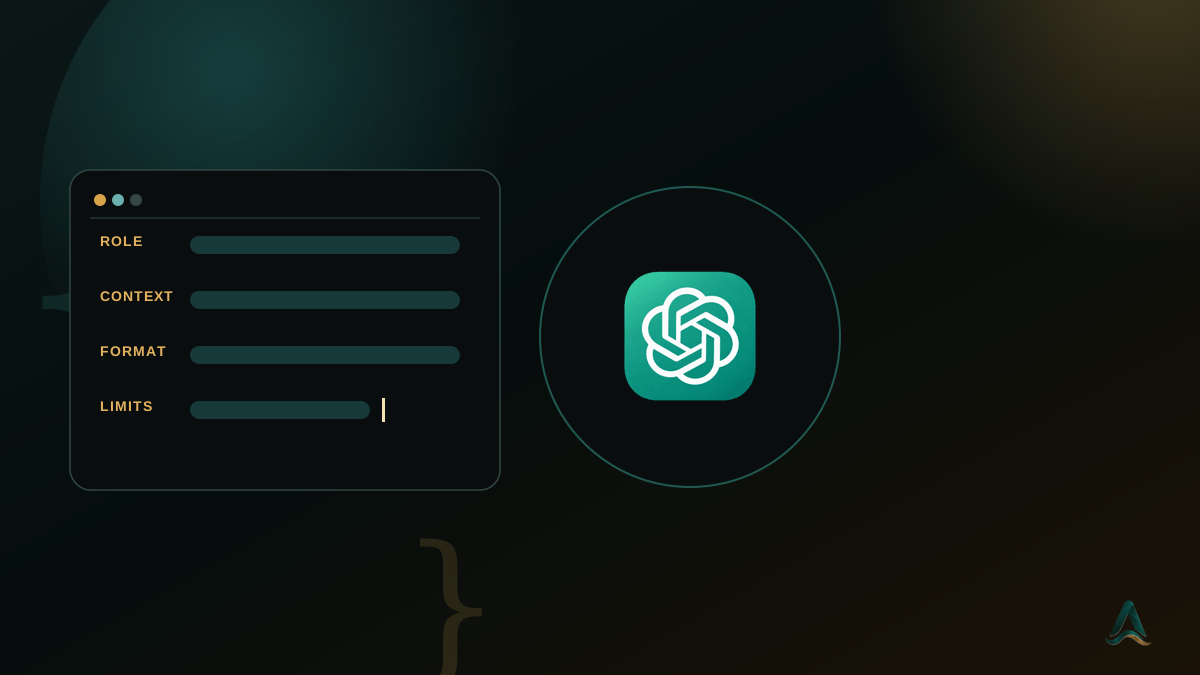
Good ChatGPT prompts aren't necessarily longer — they're more specific. The best prompt engineering approach is to give ChatGPT enough information to understand the role it should play, the context it should use, the format you want, and the constraints it should follow.
In this guide, you'll find practical prompt engineering templates for ChatGPT that you can copy, adapt, and use for everyday work — from summarizing documents and writing emails to analyzing options and brainstorming ideas.
Every template follows a simple framework: Role + Context + Format + Constraints. You don't need to memorize hundreds of prompts. Once you understand this structure, you can build a better prompt for almost any task.
What is prompt engineering for ChatGPT?
Prompt engineering is the practice of designing and refining instructions so an AI tool like ChatGPT produces a more useful and reliable response. A good prompt usually gives ChatGPT four things:
- Role: Who should ChatGPT act as?
- Context: What information does it need?
- Format: How should the answer be structured?
- Constraints: What should it include, avoid, or limit?
For example, instead of asking "Summarize this report," you could ask: "You are a project manager reviewing this report. Summarize the three most important findings in under 150 words and flag anything that looks inconsistent or requires further investigation." The second prompt gives ChatGPT much more direction.
1. The summarize-and-flag template
Useful for reports, meeting notes, research papers, contracts, or any document where you need the important information plus potential problems or inconsistencies.
You are a [role, e.g. financial analyst / project manager] reviewing [document type]. Here is the content: [paste text] Summarize the three most important points in plain English. Separately, flag anything that looks like: - an error - an inconsistency - missing information - something worth double-checking Keep the summary under 150 words. Avoid jargon.
The "flag anything worth double-checking" instruction is particularly useful — instead of simply summarizing the document, ChatGPT is also asked to identify areas that may need further attention. This template works well for meeting notes, business reports, research documents, project updates, long emails and internal documents.
2. The first-draft template
Use this when you need ChatGPT to create a starting point, rather than expecting the first response to be the final version.
Write a [document type, e.g. follow-up email] to [audience] about [topic]. Tone: [e.g. professional but warm] Length: [e.g. under 120 words] Must include: [specific points that have to be included] Must NOT include: [filler phrases, over-promising, unnecessary jargon, etc.] This is a first draft that I will edit. Prioritize getting the structure and key points right over polished phrasing.
This is one of the simplest ways to improve ChatGPT output. Instead of asking for a "perfect" email, you're telling the model what you're actually trying to achieve: a useful draft that you can refine. Adapt it for professional emails, proposals, LinkedIn posts, reports, presentations, project documentation, and customer communications.
3. The structured-analysis template
When you need to compare alternatives or make a decision, simply asking ChatGPT "Which one is better?" can produce an overly confident answer. Give it the decision criteria instead.
You are helping me decide between [option A] and [option B] for [goal]. Relevant details: [paste context — budget, timeframe, priorities, requirements] Compare the options across: - [criterion 1] - [criterion 2] - [criterion 3] Present the comparison as a short table. Then give a one-paragraph recommendation explaining your reasoning. If you don't have enough information to recommend confidently, say so and explain what information is missing.
That final instruction is important. A good prompt doesn't just tell ChatGPT what answer to give — it also tells it what to do when the available information isn't sufficient.
4. The brainstorm-with-constraints template
Open-ended prompts such as "Give me some ideas for marketing" often produce generic answers. Adding constraints gives ChatGPT something concrete to work with.
Generate 10 ideas for [goal] for an audience of [specific audience]. Constraints: - Budget: [budget] - Timeframe: [timeframe] - Tone: [tone] - Avoid: [things you don't want] For each idea, include one sentence explaining why it would work for this specific audience. Avoid generic suggestions.
The important principle here is specificity. The more useful context you provide, the easier it is for ChatGPT to generate ideas that fit your actual situation.
5. The step-by-step problem-solving template
For complicated tasks, asking ChatGPT for the final answer immediately isn't always the best approach. Instead, break the task into stages.
Help me solve [problem]. Context: [relevant information] Goal: [desired outcome] First: 1. Identify the key issues. 2. List the information that is missing. 3. Suggest possible approaches. 4. Compare the approaches. 5. Recommend the best approach based on the stated constraints. If an important assumption is uncertain, clearly identify it instead of presenting it as a fact.
This is particularly useful for planning, research, troubleshooting, and business decisions.
Common prompt engineering mistakes
Even a good ChatGPT prompt can produce poor results if the instructions are incomplete.
Skipping the role. Compare "Summarize this contract" with "You are a legal analyst reviewing this contract. Summarize the key obligations and flag clauses that require further review." The role helps establish what information matters — for many professional tasks, this simple addition makes the output much more relevant.
Not specifying the format. If you don't specify how you want the answer presented, ChatGPT has to choose the format for you. Instead of "Explain these options," try "Compare these options in a table with columns for cost, advantages, disadvantages, and best use case." You don't need elaborate formatting instructions — even "under 100 words," "use bullet points," or "present this as a table" makes the response more usable.
Giving too little context. ChatGPT can only work with the information available in the conversation. If you're asking for a recommendation, include the details that actually affect the decision: your goal, your audience, your budget, your timeframe, your constraints, your priorities. More context doesn't automatically mean a better prompt, but relevant context usually produces a more useful answer.
Treating the first answer as final. Prompt engineering isn't about creating one perfect prompt. Often, the fastest workflow is Prompt → Review → Follow-up → Refine — for example, "make the second point more specific," "cut this by half without removing the important information," or "give me a more cautious version." Small follow-up instructions can improve an answer without requiring you to start from scratch.
How to improve a ChatGPT prompt when the answer is weak
- If the answer is too generic, try: "Make this more specific to [your situation]."
- If it's too long, try: "Reduce this by 50% while keeping the important information."
- If you need a different format, try: "Turn this into a 5-row comparison table."
- If the recommendation seems too confident, try: "Identify the assumptions behind this recommendation and explain what information could change the conclusion."
- If the response doesn't match your audience, try: "Rewrite this for [specific audience] using simple, practical language."
This iterative approach is an important part of effective prompt engineering.
Combining templates for complex tasks
The templates above don't have to be used independently — you can combine them into a multi-step ChatGPT workflow. For example: use the summarize-and-flag template to analyze a long report, then take the important findings into the structured-analysis template to compare possible actions. For a proposal, run the brainstorm-with-constraints template to generate angles, then take the strongest one into the first-draft template to write it. This is often more effective than trying to put an entire complex task into one enormous prompt — think of the templates as building blocks, not one-off prompts.
Should you memorize prompt engineering templates?
No. The goal isn't to memorize a collection of ChatGPT prompts — the more valuable skill is understanding why a prompt works. If you understand the basic structure — role, context, format, and constraints — you can build a prompt for a task you've never encountered before, and adapt the same framework to research, marketing, data analysis (including Excel), project management, customer support, writing, business planning, or education. That's where prompt engineering becomes a practical skill rather than a collection of copied prompts.
Templates are a useful starting point for that — a way to save time when you just need a ready-to-use prompt. But if you want to understand how to build, test, refine and adapt prompts for tasks a template hasn't already covered, learning the underlying principles is what actually pays off. The Prompt Engineering module in AivaanTech's AI Tool Mastery certification (opens in a new tab) is built around exactly that — not a list of prompts to memorize, but the anatomy behind them, practiced hands-on across ChatGPT and ten other professional AI tools.
Frequently asked questions
What is a prompt template for ChatGPT?
Do prompt engineering templates work with other AI tools?
Why does ChatGPT give vague or generic answers?
Should I memorize ChatGPT prompt templates?
Is prompt engineering difficult to learn?
Ready to go deeper?
Explore the full 30-day AI Tool Mastery certification — prompt engineering, 11+ tools and a real capstone project.