AI Usage Policy for Employees: Free Template (2026)
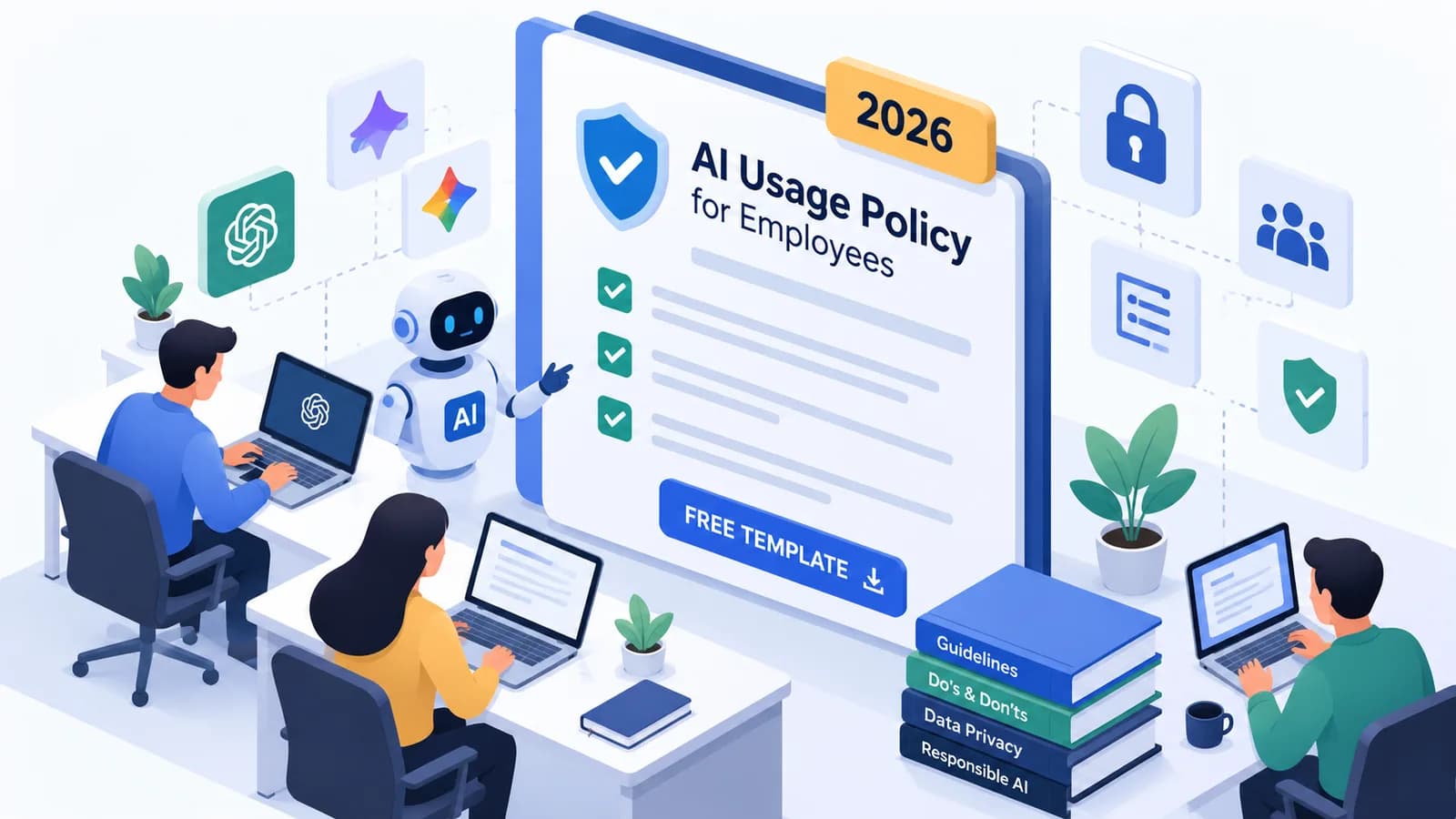
Quick answer: An AI usage policy tells employees which AI tools they may use, what they can and cannot use them for, how to protect company and customer data, and how to check AI output. It does not need to be long. A clear one or two pages, plus short training, is enough for most businesses. Use the free AI policy template below as your starting point.
Most teams are already using AI at work, often without anyone deciding the rules. One person pastes a client contract into a free chatbot. Another sends an AI-written report without checking the numbers. Nobody means any harm, but the risks are real.
An AI usage policy fixes this. It gives everyone the same simple rules, so people can use AI confidently and safely. This guide explains what to include, gives you a free template you can copy and edit, and shows how to roll it out.
Note: this template is general guidance, not legal advice. Ask your legal or compliance team to review your final policy.
What is an AI usage policy?
An AI usage policy, also called an AI acceptable use policy, is a company document that sets the rules for using AI tools at work. When it focuses on tools that create text, images or code, such as ChatGPT, Claude, Gemini and Copilot, it is sometimes called a generative AI policy.
A good AI policy for employees answers five simple questions:
- Which AI tools can I use for work?
- What can I use them for, and what is not allowed?
- What information must I never put into an AI tool?
- How do I check AI output before I use it?
- Who do I ask, and how do I report a problem?
Why your business needs an AI policy
- To protect data. Personal, customer and confidential information pasted into the wrong tool can be stored or used in ways you cannot control.
- To prevent mistakes. AI can sound confident and still be wrong. A policy makes checking a normal habit, not an afterthought.
- To stay within the law. In India, the Digital Personal Data Protection (DPDP) Act, 2023 sets rules for handling personal data. Its rules were notified in November 2025 and are being phased in through 2027, so how employees use personal data in AI tools matters.
- To remove confusion. Without rules, some people avoid AI completely while others take risks. A policy helps both groups use it well.
- To build trust. Clients increasingly ask how their data is handled. A written policy gives you a clear answer.
What to include in an AI usage policy
| Section | What it covers |
|---|---|
| Purpose and scope | Why the policy exists and who it applies to |
| Approved tools | Which AI tools are allowed, and how to request a new one |
| Allowed uses | The kinds of work AI can help with |
| Prohibited uses | What employees must never do with AI |
| Data and privacy | Rules for personal, customer and confidential information |
| Checking AI output | Human review before anything is used or shared |
| Disclosure | When to tell clients or colleagues that AI was used |
| Intellectual property | Ownership, copyright and using other people's work |
| Security | Accounts, settings and access |
| Training and support | How employees learn to use AI safely |
| Reporting and breaches | How to report problems, and what happens if rules are broken |
| Ownership and review | Who owns the policy and how often it is updated |
Free AI usage policy template
Download the ready-to-edit Word version, or copy the template below into a document. Replace everything in [square brackets], remove anything that does not apply to your business, and keep the language simple so every employee can follow it.
Download the AI usage policy template (Word, 14 KB)
The Word file opens in Microsoft Word, Google Docs and LibreOffice, and the parts to replace are highlighted.
1. Purpose
This policy explains how employees of [Company name] may use artificial intelligence (AI) tools at work. Its goal is to help everyone use AI to work better, while protecting our customers, our data and our reputation.
2. Scope
This policy applies to all employees, contractors and interns of [Company name] who use AI tools for any work task, on company or personal devices. It covers AI chat assistants, AI features inside other software, and AI tools that create text, images, audio, video or code.
3. Approved AI tools
You may use only these AI tools for work:
- [Tool name, for example Microsoft Copilot] — approved for [all work / specific uses]
- [Tool name] — approved for [uses]
- [Tool name] — approved for [uses]
To use a new AI tool for work, ask [role or team, for example the IT team] first. Do not sign up for AI tools with your work email without approval.
4. What you may use AI for
You may use approved AI tools to:
- Draft and improve emails, documents and presentations
- Summarise long documents, meetings and email threads
- Research topics and generate ideas
- Explain or help with spreadsheets and formulas
- [Add uses specific to your business]
5. What you must not do
You must not:
- Enter personal data about customers, employees or anyone else into an AI tool, unless that tool is approved for personal data
- Enter confidential information, such as contracts, financial results, passwords, client files or [other sensitive information], into tools that are not approved for it
- Use AI to make final decisions about people, such as hiring, firing, promotions or credit, without human review
- Present AI-generated work as checked facts without checking it
- Use AI to create misleading, offensive or discriminatory content, or to impersonate a real person
- Use AI in ways that break the law, our contracts or other company policies
6. Data protection and privacy
Treat every AI tool as if the information you enter could be stored. Remove names, contact details and other identifying information when you only need help with wording or structure. Follow our [data protection policy name] and applicable law, including India's Digital Personal Data Protection (DPDP) Act, 2023. If you are unsure whether information is safe to use, ask [role or team] before you enter it.
7. Checking AI output
You are responsible for any work you produce with AI. Before you use or share AI output:
- Check facts, figures, names, dates and quotes against reliable sources
- Read it in full and edit it so it is accurate, clear and in our tone
- Watch for bias or unfair statements
- Get a second review for anything that goes to a customer, is published, or affects money or legal matters
8. Disclosure
Tell your manager or the client when AI has played a significant part in work they rely on, such as reports, analysis or creative work, where [Company name] or the client expects to know. Follow any client contract that sets rules on AI use.
9. Intellectual property
Do not enter third-party copyrighted material or client-owned content into AI tools unless you have the right to do so. Check that AI-generated text, images or code do not copy someone else's work before using them. Work created for [Company name] with AI belongs to [Company name], in line with your employment terms.
10. Security
Use only company-approved accounts for AI tools at work, and protect them with strong passwords and two-factor authentication where available. Where a tool allows it, use business plans or settings that stop your data from being used to train the provider's models.
11. Training
All employees must complete [Company name]'s AI training [within X weeks of joining / by date]. Managers will share approved prompts, examples and updates as tools change.
12. Reporting problems
If you enter information by mistake, notice harmful or incorrect AI output, or see a possible data leak, report it to [contact, for example the IT team or a named email address] straight away. Reporting quickly helps us fix problems early, and honest mistakes reported promptly will be treated fairly.
13. Breaches of this policy
Breaking this policy may lead to action under [Company name]'s disciplinary process, depending on how serious the breach is.
14. Ownership and review
This policy is owned by [role, for example Head of Operations]. It will be reviewed at least every [six] months, and whenever we add a new AI tool or the law changes.
Policy version: [1.0] · Effective date: [date] · Next review: [date]
Employee acknowledgement: I have read and understood this AI usage policy and agree to follow it. Name: [ ] · Signature: [ ] · Date: [ ]
How to roll out your AI policy
A policy only works if people know it and understand it. Use these five steps:
- Keep it short. If your policy is longer than two pages, people will not read it. Put details in a separate guide.
- Explain the why. Share real examples of what can go wrong, such as client data in a free chatbot, so the rules make sense.
- Train people, do not just email the PDF. A short, practical session where employees practise safe prompting works far better than a document alone. Our guide on AI training for employees explains how to plan this.
- Make it easy to ask. Name one person or team for questions about tools and data.
- Review it regularly. Update the list of approved tools as you add or remove them, and tell everyone what changed.
If you want help, our corporate AI training program includes safe-use guidelines alongside hands-on practice with the tools your team uses.
Common mistakes with AI policies
- Banning AI completely. People often keep using it anyway, just without any rules. Approved tools with clear rules are safer.
- Writing it in legal language. If employees cannot understand it, they cannot follow it.
- No list of approved tools. "Use AI responsibly" is not enough. Name the tools.
- Forgetting AI inside other software. Many apps now include AI features. Your policy should cover them too.
- Writing it once and forgetting it. AI tools change every few months, so the policy must keep up.
Next steps
Start by downloading the AI usage policy template (Word, 14 KB), filling in your tools and contacts, and sharing it with your team alongside a short training session. As your team grows more confident, you can go further, for example by automating business processes with AI with the right safeguards in place.
For a wider plan covering AI strategy, governance and adoption across your business, see our AI consulting services, or contact us to talk it through.
Frequently asked questions
What is an AI usage policy?
Does a small business need an AI policy?
What should an AI policy for employees include?
Is an AI acceptable use policy the same as an AI usage policy?
Can I use this AI policy template as it is?
How often should an AI usage policy be updated?
Ready to go deeper?
Explore the full 30-day AI Tool Mastery certification — prompt engineering, 11+ tools and a real capstone project.