AI for HR Professionals: Job Posts, Interviews, Policies
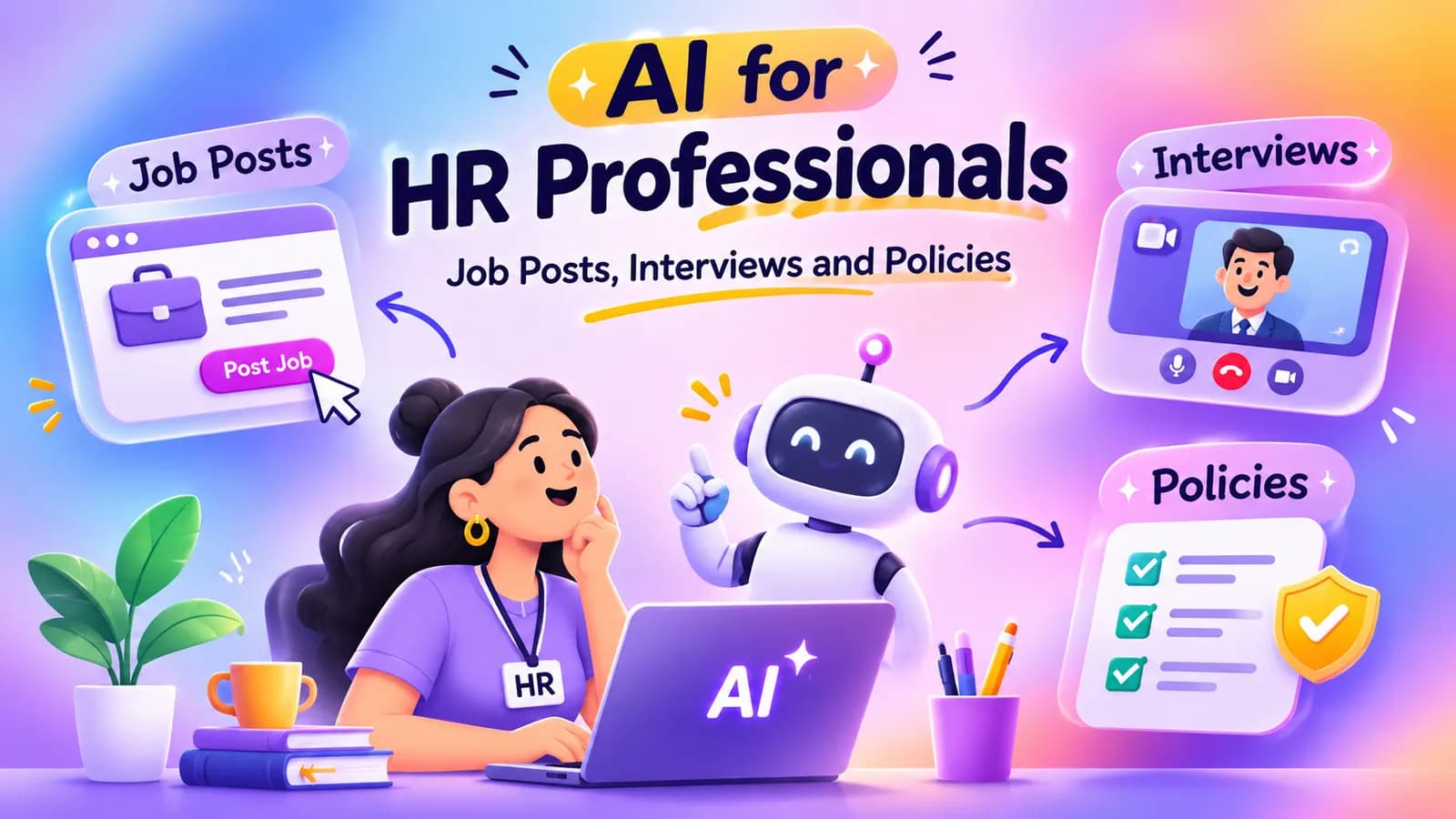
Quick answer: HR professionals can use AI to draft the writing that fills their week: job descriptions, job posts, interview questions, onboarding plans, policy summaries and announcements. Give it the role, the company context and the format you want, and check every result. Do not paste employee or candidate personal data into a public AI tool, and do not let AI make decisions about people.
Much of HR work is careful writing under time pressure: a job post that has to attract the right people, an interview plan that treats every candidate the same, a policy that staff will actually read. AI is a good first-draft partner for this writing. It is a poor judge of people, and it knows nothing about your local labour law or your company's rules unless you tell it.
This guide shows where AI helps HR, with prompts you can copy, and where to be careful. If your company has no AI rules yet, start with our AI usage policy template.
Two rules before you start
- Protect personal data. Do not enter names, contact details, ID numbers, salaries, health details or performance records into a public AI tool. Describe a situation without naming the person. If your company has an approved tool for personal data, use only that.
- People decide, not AI. Use AI for wording, structure and ideas. Hiring, promotion, pay and discipline decisions are for people, based on facts you can explain. AI can repeat bias from its training data, and an unexplained AI score is hard to defend.
Also check your company's AI policy, and take anything with legal weight, such as contracts and policies, to your legal adviser before you use it.
Job descriptions and job posts
A job description lists what the role needs. A job post sells the role to the person who reads it. AI can help with both, and it is especially good at turning your rough notes into clear text.
Write a job post from your notes
You are an experienced HR recruiter. Write a job post for a [Marketing Executive] at [a 60-person software company] in [Bengaluru]. Use these notes: [paste your rough notes on the role, team and what the person will do]. Include: a 2-sentence summary, what the person will do, what we need (separate must-haves from nice-to-haves), what we offer, and how to apply. Use plain language, no jargon, and avoid phrases like "rockstar" or "young and dynamic". Do not invent benefits or salary figures that are not in my notes.
The last line matters. Without it, AI may add benefits your company does not offer.
Check a job post for wording that excludes people
Review this job post for wording that could discourage some people from applying, such as unnecessary requirements, gendered words, age hints or heavy jargon: [paste your job post]. List each problem, say why it matters, and suggest a plainer replacement. Then tell me which requirements could be "nice to have" instead of "must have".
Treat the answer as a prompt for your own judgement, not a ruling.
Interviews
Consistent interviews are fairer interviews. AI helps you build a structure so each candidate faces the same questions and is scored the same way.
Build structured interview questions
Create a structured interview plan for a [Customer Support Executive] role. Give me 8 questions: 3 about past experience, 3 situational questions ("what would you do if..."), and 2 about working style. For each question, say what a strong answer shows and what a weak answer shows. Use the same questions for every candidate. Do not ask about age, marital status, religion, health or family plans.
Make a scorecard
Create an interview scorecard for a [Customer Support Executive], to be used by every interviewer. Use a table with 5 criteria drawn from the role, a 1 to 5 scale, a short description of what each score means for each criterion, and a space for evidence from the interview. Add a line reminding interviewers to score the answer, not the person.
Be careful with CVs and screening
Do not paste a candidate's CV into a public chatbot, because it holds personal data. If you use a screening tool that ranks candidates, ask the vendor how it works and what it was tested for, ask your legal team about the rules that apply, and make sure a person reviews every candidate who is screened out.
Onboarding and employee communication
New joiners need clear information in their first weeks. AI is useful for turning what you already know into something easy to follow.
Create a 30-60-90 day onboarding plan for a new [Finance Executive] joining a company of [120] people. Use a table with three columns (first 30 days, days 31 to 60, days 61 to 90). For each period list: what they should learn, who they should meet, and one clear goal. Add a short welcome checklist for the first day. Keep it practical and ask me what you need to know about our tools and team before you write.
Ask AI to question you first. It then asks for the details that make the plan fit your company, such as the tools you use and who the manager is.
Announcements and everyday messages
Write a short, friendly email to all staff announcing [a new work-from-home policy starting 1 December]. Keep it under 150 words. Cover: what changes, who it applies to, where to find the full policy, and who to ask. Use this policy text as the only source: [paste your own policy]. Do not add rules that are not in it.
Policies and handbooks
AI can turn a dense policy into plain language, which makes it more likely staff will read it.
Here is our leave policy: [paste your policy text]. Rewrite it as a one-page summary in plain language for employees. Use headings, short sentences and a small table of leave types. Do not change any rule, number or date. List anything that seems unclear or contradictory so I can check it.
AI can also draft a first version of a new policy, but this is where care matters most. It does not know your local labour laws, and it can sound confident while being wrong. Always have your legal adviser or a qualified person review a policy before you publish it, and do not rely on AI for what the law requires.
Feedback and performance reviews
Many managers struggle to put feedback into words. HR can help by giving them a clear structure.
Help me write balanced feedback for a team member, without using their name. The facts, from my own notes: [what went well, with examples], [what needs to improve, with examples]. Write it in 3 parts: what they do well, what to change and why it matters, and one clear next step with a date. Keep it factual, kind and under 200 words. Do not add facts that are not in my notes.
Keep it to wording. The assessment itself, and the decisions that follow from it, belong to the manager and HR.
Spreadsheets and HR reports
Headcount, attrition and survey results often live in Excel. AI can help you write formulas, clean a table and summarise trends. Use anonymised or grouped data, such as totals by department, and not records with names. Our guide on using ChatGPT for Excel shows how to ask for formulas, data cleaning and charts.
How to write better HR prompts
- Role. Tell AI who to be, such as "an experienced HR business partner".
- Context. Give the company size, the role and the audience.
- Task. Say exactly what to produce.
- Format. Ask for a table, a checklist or a one-page summary.
- Limits. Add rules such as "do not invent benefits" or "use only my text".
If the first answer is not right, reply in the same chat and say what to change. For more templates, see our prompt engineering templates.
What AI cannot do for HR
- It cannot judge a person. It does not know them, and it can repeat bias.
- It does not know your local labour law or your company's rules unless you provide them, and it can be wrong even then.
- It cannot be trusted with personal data in a public tool.
- It does not replace the trust, tact and judgement that people expect from HR.
How to start this week
Pick one writing task you repeat often, such as job posts or announcements. Try one prompt from this page with no personal data in it, check the result and save the version that worked. Then share it with your team, and make sure your company has written rules for AI use.
If you are rolling AI out across a company, read our guide to AI training for employees for how to plan it.
Learn these tools step by step
AivaanTech's AI Tool Mastery course teaches ChatGPT, Claude, Gemini, Perplexity, NotebookLM, Canva and other tools through hands-on tasks. It is built for beginners, needs no coding, and ends in a capstone project and a certificate that anyone can verify online. Lessons are self-paced, and there are live classes and a Saturday Q&A, so your questions get answered.
See how it fits your work on our page on AI tools for professionals.
Frequently asked questions
How can HR professionals use AI?
Can AI screen resumes and choose candidates?
Is it safe to put employee or candidate data into ChatGPT?
Can ChatGPT write an HR policy?
How do I avoid bias when using AI in hiring?
Do I need a paid ChatGPT plan to try these prompts?
Ready to go deeper?
Explore the full 30-day AI Tool Mastery certification — prompt engineering, 11+ tools and a real capstone project.