How to Add AI Skills to Your Resume (With Examples)
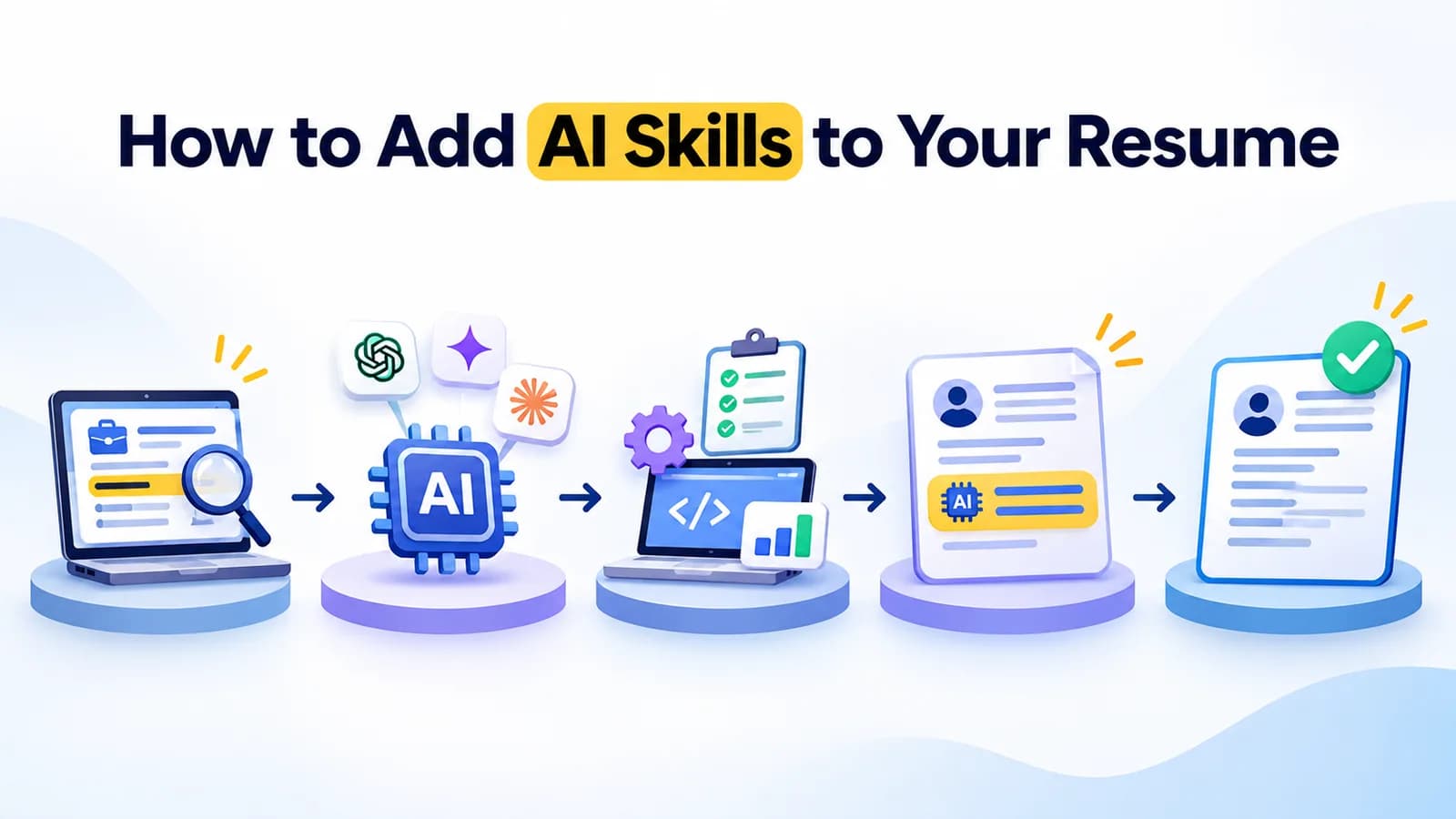
Quick answer: To add AI skills to your resume, list the AI tools and tasks you can really do, then prove each one with a short result or project. Put them in four places: your summary, your skills section, your work experience bullets and a projects or certifications section. Use the same words as the job post, and keep each line short and honest.
If you are searching for how to add AI skills to your resume, you probably already use AI tools. The hard part is showing it in a way an employer believes. This guide shows which skills to list, where to put them, and how to write each line, with examples you can copy and change.
Why AI skills belong on your resume
Job posts now mention AI tools more often, even for roles that are not technical. Employers want to know two things: can you use these tools, and can you use them well?
A resume that only says "AI" or "ChatGPT" answers neither question. A resume that says what you did, with which tool, and what happened, answers both. That is the whole idea of this guide.
If you are new to AI, start with our guides to what AI fluency is and how to learn AI without coding. Then come back here to put what you learned on paper.
Which AI skills count?
You do not need to be an engineer. These are common AI skills that many jobs value, and each one is something you can show.
| AI skill | What it means | Example of proof |
|---|---|---|
| Using AI tools | Working with assistants such as ChatGPT, Claude, Gemini or Microsoft Copilot | A task you finished faster or better with one of them |
| Prompt writing | Asking clearly, so the answer is useful | A set of prompts you reuse at work |
| AI research | Finding and summarizing information, and checking sources | A report or briefing you built from AI-assisted research |
| Content and design | Drafting text, slides or images with AI, then editing them | A deck, post or document you produced and improved |
| Automation | Using AI to handle repeated steps | A workflow that saves your team time |
| Checking and safe use | Spotting errors, bias and privacy risks before using AI output | A habit or rule you follow, such as a review checklist |
Choose three to five that match the job. A short list you can back up beats a long list you cannot.
Where to put AI skills on your resume
Do not keep AI skills in one place. Spread them so that both people and software can find them.
1. In your summary
Add one line near the top that names your strongest AI skills and what they help you do.
Example (change the details to match your own): "Marketing executive who uses ChatGPT, Claude and Canva to plan campaigns, draft content and review results faster."
2. In your skills section
List the tools and the skills as plain words, grouped so they are easy to scan.
Example: "AI tools: ChatGPT, Claude, Gemini, Microsoft Copilot, Perplexity. AI skills: prompt writing, AI research, checking AI output, content drafting."
Use the same names the job post uses. Some employers use software to screen resumes, so matching the wording helps.
3. In your work experience
This is the most important place. Write each bullet as: action + AI tool + task + result.
- Used ChatGPT and Perplexity to research competitors each week, cutting research time from about four hours to about two.
- Wrote a set of reusable prompts for customer emails, so the team could produce first drafts in minutes.
- Checked AI-generated reports against source data before sharing, which caught errors before they reached clients.
These numbers are examples. Replace them with your own real figures, or leave the number out if you do not have one. Never invent a result.
4. In projects and certifications
If you are a student or have little work experience, this is where your AI skills can shine. Describe one project in a line or two, then list your certificates. The next two sections show how.
How to show a project
A good AI project line has three parts: what you made, which tools you used and what it achieved.
Example: "Built a personal prompt library for job applications using ChatGPT and Claude, and used it to tailor 20 applications in a week."
If you can share the work, add a link. If it is private, describe it instead. Our course projects work the same way: in AI Tool Mastery, learners finish a capstone project, and that project becomes a ready-made resume line.
How to show an AI skills certificate on your resume
A certificate helps when it proves something. Employers will ask what you actually did to earn it. For each certificate, give four details:
- Name of the certificate
- Issuer, the organization that awards it
- Year you earned it
- A way to check it, such as a certificate ID or a verification link
Example: "AI Tool Mastery, 30-Day Certification. AivaanTech, 2026. Certificate ID available on request and verifiable online."
AivaanTech's certificate carries a unique ID, and anyone can check it on the certificate verification page. It is awarded after a capstone project, so the certificate and a project line can support each other. For help judging certificates, read our guide on what an AI certification should prove.
Also add the certificate to the licenses and certifications section of your LinkedIn profile, so your resume and your profile match.
AI skills resume examples by role
Use these as starting points. Replace the tools, tasks and results with your own.
| Role | Example line |
|---|---|
| Student or fresher | Completed an AI certification with a capstone project, using ChatGPT, Claude and Gemini to research and write a report on a local business. |
| Marketing | Used ChatGPT and Canva to plan and draft a month of social posts, then edited every post for tone and accuracy. |
| HR or admin | Created a prompt library for job posts and interview questions, and reviewed all AI output before use. |
| Finance or operations | Used Microsoft Copilot in Excel to summarize monthly data and flag unusual figures, then checked each result against the source. |
| Teacher or trainer | Used AI to draft lesson plans and quiz questions, then adapted them for the class and checked the facts. |
Notice that each line includes a check or an edit. Showing that you review AI output is a strong signal, because it shows judgment, not just tool use.
Mistakes to avoid
- Listing tools with no proof. "ChatGPT" on its own tells the reader nothing.
- Claiming to be an expert. Describe what you can do instead, and be ready to show it.
- Listing every tool you have tried. Keep to the ones that match the job.
- Using AI to write the whole resume. Edit it, check every fact and make it sound like you.
- Sharing private information with AI tools. Leave out confidential company details and personal data.
- Adding numbers you cannot support. Be ready to explain every figure in an interview.
A prompt to polish your resume bullets
You can use an AI assistant to improve a bullet, as long as you keep it honest and edit the result. Copy this prompt, fill in the gaps and do not include confidential details.
I am a [job title] applying for [role]. Here is one bullet from my resume: [paste your bullet]. Rewrite it in one line using this pattern: action, AI tool, task, result. Keep it honest: do not add numbers, tools or results I did not mention. Give me three versions, and tell me which detail is missing so I can add it myself.
For more prompts you can reuse, see our guide to prompt engineering templates.
A 30-minute plan to update your resume
- Minutes 0 to 5: read the job post and underline the AI tools and skills it mentions.
- Minutes 5 to 10: pick three to five that you can really show.
- Minutes 10 to 20: rewrite two or three work bullets using action, tool, task and result.
- Minutes 20 to 25: add one project or certificate with a way to check it.
- Minutes 25 to 30: add a summary line and update your skills section, then read everything for mistakes.
Build the skills first, then list them
The strongest AI resume lines come from real practice. If you want a structured way to build those skills, AI Tool Mastery is a 30-day course with self-paced lessons, live classes and a Saturday Q&A. It covers 11 AI tools, ends in a capstone project, and gives you a certificate that anyone can verify online. No coding is needed. Students can start on our page for AI for students, and beginners with no technical background can see AI for non-coders.
For more tools worth learning, see our guide to AI tools for productivity.
Frequently asked questions
What AI skills should I put on my resume?
How do I list ChatGPT on a resume?
Should I put an AI certificate on my resume?
Do I need coding skills to list AI skills?
Can I use AI to write my resume?
How do I show AI skills if I have no work experience?
Ready to go deeper?
Explore the full 30-day AI Tool Mastery certification — prompt engineering, 11+ tools and a real capstone project.