What Is AI Fluency? Definition and How to Build It
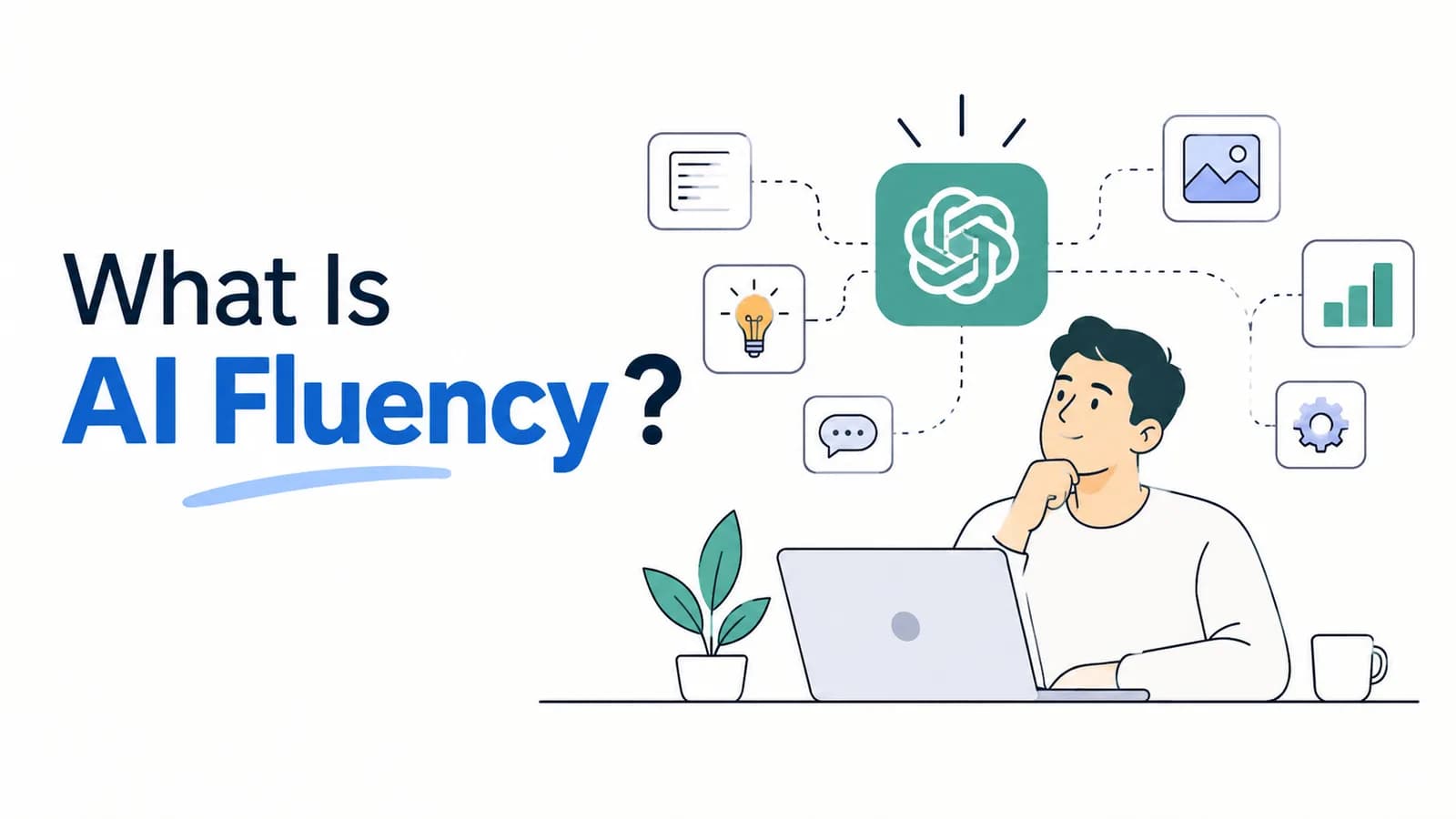
Quick answer: AI fluency is the ability to work with AI confidently, effectively and safely. It means you know when to use AI, can explain a task clearly, can tell whether the answer is any good, and take responsibility for the result. It is not about knowing every tool. It is a practical skill built by using AI on real work. A well-known way to describe it is the 4Ds: Delegation, Description, Discernment and Diligence.
You will see the phrase "AI fluency" in job posts, training programmes and company plans. It sounds important, but few people explain what it actually means. This guide gives a simple definition, shows the four skills inside it, and gives you a way to build it that does not need any coding.
What is AI fluency?
Think of the way people use a language. Someone who has studied a language can read a menu. Someone who is fluent can hold a conversation, handle surprises and choose the right words for the situation.
AI works the same way. You can know that AI exists and roughly how it works. That is useful, but it is not fluency. AI fluency is being able to do real work with AI: pick the right task, ask well, spot problems and finish the job to a standard you would stand behind.
A few things follow from this:
- It is a skill, so it improves with practice, not with reading alone.
- It is tool-independent. The habits carry over when a new assistant appears.
- It includes judgement and responsibility, not just speed.
AI fluency vs AI literacy vs prompt engineering
These terms get mixed up. Here is how they differ:
| Term | What it means | Example |
|---|---|---|
| AI literacy | Understanding what AI is, how it broadly works and where it fails | Knowing that AI can state wrong facts confidently |
| Prompt engineering | Writing instructions that get a good result from a model | Giving the AI a role, context, format and limits |
| AI skills | Using specific tools for specific jobs | Making slides in Canva or analysing a sheet with Copilot |
| AI fluency | The whole habit: deciding, asking, checking and owning the result, across tools and tasks | Choosing when to use AI, getting a draft, fixing it and signing off |
Prompt writing is one part of AI fluency, and a useful one. Our guide to prompt engineering templates covers it. But fluency is wider: it also covers deciding what to hand over and checking what comes back.
The 4Ds: a simple framework for AI fluency
One of the clearest descriptions comes from the AI Fluency Framework, developed by Professors Rick Dakan and Joseph Feller together with Anthropic. Anthropic offers a free course on it, and the course materials are shared under a Creative Commons licence. You can read about it on Anthropic's AI Fluency page (opens in a new tab). Below is our own plain-English summary of its four skills.
1. Delegation: decide what to hand to AI
Delegation is choosing whether, when and how to use AI. Not every task is a good fit. A good delegator asks: What is the goal? Which parts can AI do well? Which parts should I do myself?
Example: You need a customer email. You ask AI for a first draft, but you write the sentence about the refund yourself because it must be exactly right.
2. Description: explain the task clearly
Description is telling AI what you want, with the right context. This is where most beginners lose time. A vague request gets a vague answer.
Example: Instead of "write a report", you say who the report is for, what it must include, how long it should be and what tone to use.
3. Discernment: judge what comes back
Discernment is looking at the output and deciding whether it is good, accurate and useful. AI can sound sure and be wrong, so this is the skill that protects you.
Example: You ask for a summary of a long document, then check three of its claims against the original before you share it.
4. Diligence: take responsibility
Diligence is owning how you use AI and what you do with the result. It covers privacy, honesty about where AI helped, and being accountable for the final work.
Example: You do not paste a client's private data into a public tool, and you tell your manager when a section was drafted with AI.
The four skills work as a loop. You delegate, describe, judge, adjust, and repeat. A person who only does the second step, asking for things, is using AI. A person who does all four is becoming fluent.
What AI fluency looks like at work
The same four skills show up in different jobs:
| Role | Delegation | Discernment |
|---|---|---|
| Marketer | Uses AI for first drafts and variations, keeps brand voice decisions | Checks claims, names and numbers before publishing |
| Teacher | Uses AI to draft lesson plans and quiz ideas | Reviews for accuracy and age-appropriate content |
| Finance or operations | Uses AI to summarise reports and explain formulas | Recalculates key totals by hand before they go into a report |
| Manager | Uses AI to prepare meeting notes and options | Tests the reasoning before using it in a decision |
Notice that nobody in the table needs to code. The skill is in the choices.
Signs you are becoming AI fluent
Use this list as a rough check. You are building fluency if you can say yes to most of these:
- You can name two or three tasks where AI saves you real time, and two where it does not.
- You write prompts with context, a format and limits, not one vague line.
- You do not accept the first answer. You reply with changes until it is right.
- You check facts, numbers and sources before you share anything important.
- You know what you should not paste into a public AI tool.
- You can explain to a colleague how you used AI on a piece of work.
- You can switch to a different tool and still get good results.
If you are at the start, that is normal. Most people begin with one or two of these.
How to build AI fluency step by step
You do not need a long course to begin. This plan takes about 30 minutes a day.
- Pick one assistant and use it daily. Choose ChatGPT, Claude, Gemini or Microsoft Copilot, and use it on real tasks from your work or studies. If you are not sure which, see ChatGPT vs Claude.
- Practise description. For one week, never send a one-line prompt. Always give a role, the context, the task and the format.
- Practise discernment. After each answer, pick one thing to verify. Over time this becomes automatic.
- Add tools only when you need them. A research tool, a design tool and an app builder are common next steps. Our guide to AI tools for productivity compares eleven.
- Finish one small project. A study guide, a weekly report or a simple web tool is enough. Share it and ask for feedback.
If you have never coded and want a gentler start, read how to learn AI without coding.
Here is a prompt that builds discernment on purpose. Paste it after any AI answer you plan to rely on:
Review your answer above. List the three claims that matter most and how sure you are of each. Tell me which ones I should check myself, and where I could verify them. Point out anything you assumed that I did not tell you.
It will not replace your own checking, but it shows you where to look first.
AI fluency for teams and companies
For a company, AI fluency is more than a few people being good with tools. It means teams share habits: they know what AI is for, what is off limits, and how to check the work.
A practical starting point has three parts:
- A short, clear AI policy so people know what data they can use. Our free AI usage policy template is a good start.
- Training on real tasks from each team, not generic demos. See our guide to AI training for employees.
- A named owner and a few shared examples, so good practice spreads.
If you want help planning this across a company, our corporate AI training and AI consulting pages explain how we work.
Myths about AI fluency
- "You must code." You do not. Using AI tools well is mostly about clear thinking and checking.
- "You must know every tool." Depth in two or three tools beats a shallow look at ten.
- "Faster is always better." Speed without checking creates errors that cost more later.
- "It is a one-time course." Tools change often, so fluency is a habit you keep up.
- "Only young people have it." Experienced professionals often do better at discernment, because they know their field.
Where to go next
If you prefer to learn on your own, follow the five steps above, starting this week. If you want a guided route with practice and a certificate that employers can verify, see AI Tool Mastery, our 30-day programme that covers 11 AI tools and ends with a capstone project, with no coding needed. People without a technical background can start with our page on AI training for non-coders.
Frequently asked questions
What is AI fluency in simple words?
What is the difference between AI fluency and AI literacy?
What are the 4Ds of AI fluency?
Do I need to code to be AI fluent?
How long does it take to become AI fluent?
Can I get certified in AI fluency?
Ready to go deeper?
Explore the full 30-day AI Tool Mastery certification — prompt engineering, 11+ tools and a real capstone project.