AI Tools for Small Business: A Simple 2026 Guide
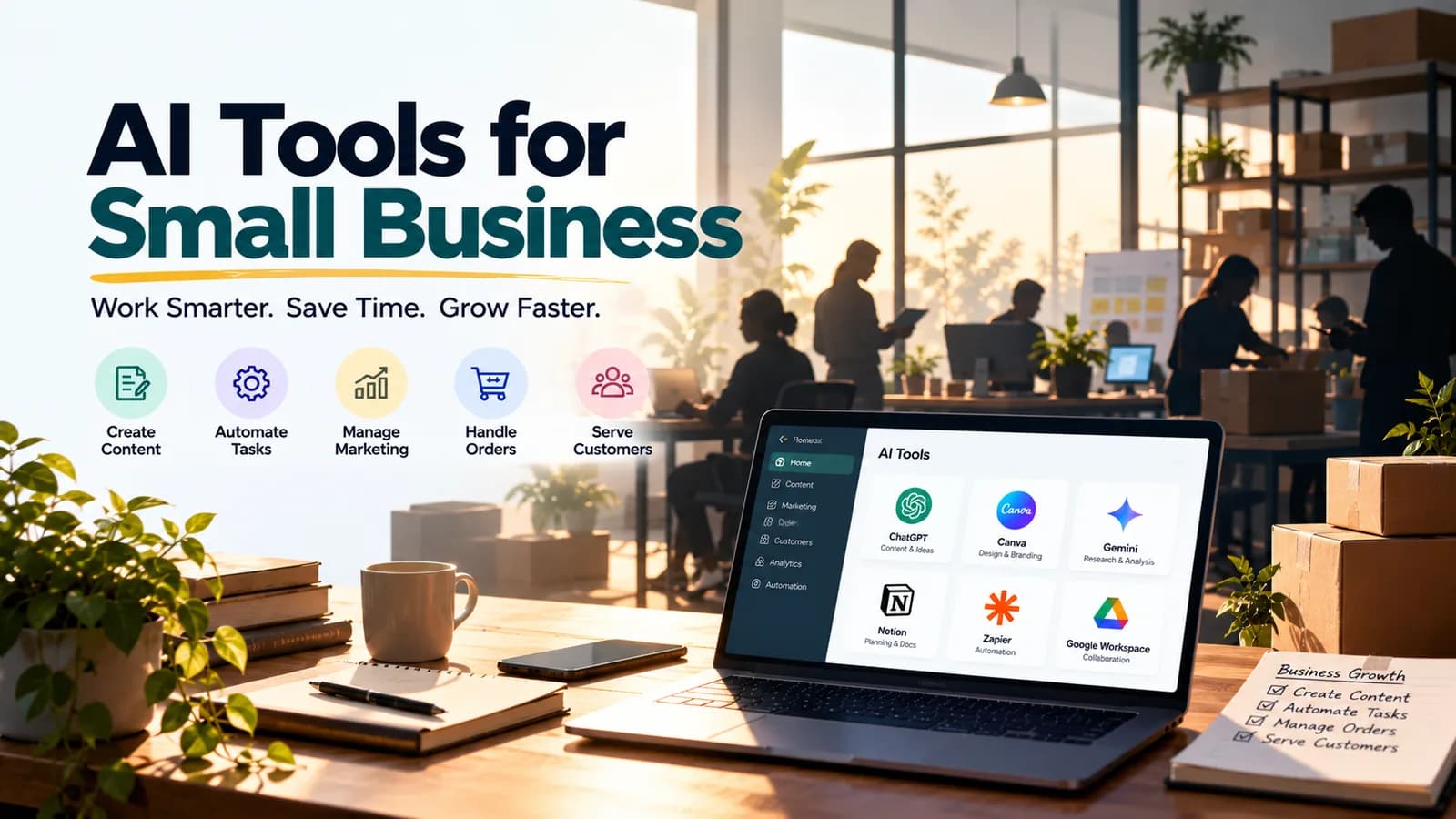
Quick answer: The best AI tools for small business are the ones that save time on work you repeat every week. For most owners that means one AI assistant (ChatGPT, Claude, Gemini or Microsoft Copilot) for writing and thinking, Canva for design, the AI features inside your accounting and CRM (customer relationship management) software, and one automation tool such as Zapier or Make. Start with one task, not ten tools.
If you run a small business, you already wear many hats: marketing, sales, customer service, accounts and admin. AI will not do your job for you, but it can take a lot of the small, repeated work off your plate.
This guide explains the most useful AI tools for small business in simple English. You will see which tool fits which job, how to start without spending much, and the mistakes to avoid.
Why AI matters for small businesses
Big companies have teams for marketing, support and data. A small business usually has a few people doing everything. That is exactly where AI helps most:
- It saves time on writing, replying, summarising and data entry.
- It gives you a second pair of hands when you cannot hire yet.
- It works in plain English, so you do not need a technical team.
- It is cheap to try, because most tools have a free plan.
The goal is simple: spend less time on routine work and more time on customers and growth.
AI tools for small business at a glance
| Business task | AI tool to try | What it helps with |
|---|---|---|
| Marketing and content | ChatGPT, Claude or Gemini | Social posts, emails, product descriptions, blog drafts |
| Design | Canva | Posters, social graphics, simple presentations |
| Customer replies | Your AI assistant, or the AI in your helpdesk | Drafting polite, quick replies to common questions |
| Office work | Microsoft Copilot or Gemini in Google Workspace | Emails, documents, meeting notes, spreadsheets |
| Accounts and invoices | AI features in your accounting software | Categorising expenses, reading invoices, reports |
| Sales and customers | AI features in your CRM | Lead summaries, follow-up reminders, email drafts |
| Research | Perplexity or NotebookLM | Market research, competitor checks, summarising documents |
| Automation | Zapier, Make or n8n | Connecting your apps so work moves on its own |
Plans and features change often, so check each tool's official page before you pay.
1. Marketing and content: an AI assistant
An AI assistant such as ChatGPT, Claude or Gemini is the best first tool for most owners. You describe what you need, and it gives you a first draft in seconds.
Use it for:
- Social media posts and captions for a whole week
- Product or service descriptions for your website
- Email newsletters and offers
- Replies to reviews, both good and bad
- Ideas for promotions and festival campaigns
Tip: give it context. "Write an Instagram caption" gives a weak result. "Write three Instagram captions for our bakery's Diwali sweets box, friendly tone, under 40 words, with one call to action" gives a useful one. Our ChatGPT prompt templates show this pattern step by step.
Then add Canva. Canva's AI features help you turn that text into posters, social graphics and simple presentations, even if you have never designed anything before.
2. Customer service: faster, friendlier replies
Customers expect quick answers. AI helps you reply faster without sounding like a robot.
- Draft replies: paste a customer's question (without personal details) into your AI assistant and ask for a short, polite answer. Edit it, then send.
- Build a reply library: ask AI to write answers to your 20 most common questions, such as delivery times, refunds and opening hours. Save them and reuse them.
- Use the AI in your helpdesk or chat tool: many customer service tools now include AI that suggests replies or answers simple questions on your website.
Always read a reply before it goes out. AI can sound confident and still be wrong about your prices or policies.
3. Office and admin: AI in the apps you already use
If your business runs on Microsoft 365, Microsoft Copilot can help inside Word, Excel, Outlook and Teams. If you use Gmail and Google Docs, Gemini does a similar job in Google Workspace.
Use them to:
- Summarise long email threads and draft replies
- Turn rough notes into a clean document
- Get the key points and action items from a meeting
- Explain or build spreadsheet formulas
To learn these tools step by step, read our guides on Microsoft Copilot training and Gemini training for beginners. If spreadsheets take up a lot of your week, see how to use ChatGPT for Excel.
4. Accounts, invoices and documents
Paperwork eats time in every small business. Two kinds of AI help here:
- AI inside your accounting software. Many accounting apps now include AI that suggests expense categories, reads bills and builds simple reports. For example, Zoho's AI assistant, Zia, is built into Zoho apps, which many Indian small businesses use. Check what your own software already offers before buying anything new.
- AI for documents. If your team spends hours typing data from invoices, purchase orders or forms into another system, intelligent document processing can read those documents and extract the data for you. This is one of the services AivaanTech provides through AI business solutions.
Always check numbers before you file taxes or pay a bill. AI speeds up the work, but you are still responsible for the result.
5. Sales and customers: AI in your CRM
A CRM, short for customer relationship management software, is the place where you keep track of leads, customers and deals. Most modern CRMs, including popular ones like HubSpot and Zoho CRM, now include AI features that can:
- Summarise a customer's history before a call
- Draft follow-up emails
- Remind you about deals that have gone quiet
- Suggest the best leads to contact first
If you do not use a CRM yet, a simple spreadsheet plus an AI assistant is a perfectly good start.
6. Research: understand your market faster
- Perplexity answers questions with links to its sources, so you can check them. Use it to compare suppliers, read up on a new market or see what competitors are offering.
- NotebookLM (now called Gemini Notebook) answers questions using only the documents you upload, such as a tender, a supplier contract or an industry report.
Research is where AI saves the most reading time, but always open the sources before you make a decision.
The best AI automation tools for small business
Automation is where AI tools for small business start to feel like an extra team member. Instead of copying data between apps by hand, you set up a workflow once and it runs on its own.
Examples of simple automations:
- A new website enquiry is added to your CRM, summarised by AI, and sent to you on email.
- A customer review is collected, and AI drafts a reply for you to approve.
- A new invoice in your inbox is saved to a folder and logged in a spreadsheet.
The best AI automation tools for most small businesses are:
| Tool | Best for | Good to know |
|---|---|---|
| Zapier | Non-technical teams | The easiest to start with, and it connects to the most apps |
| Make | Teams that like a visual builder | Popular with budget-conscious businesses |
| n8n | Teams with some technical skill | Can be self-hosted on your own server |
All three now let you add AI steps to a workflow, such as summarising text or drafting a reply. Start with one small automation, check it works for a week, then add the next. For a step-by-step method with examples for each team, see how to automate business processes with AI.
AI for entrepreneurs: a simple starter kit
If you are a founder or a solo business owner, AI for entrepreneurs is less about tools and more about getting time back. Here is a simple kit by stage:
| Your stage | Start with | Add next |
|---|---|---|
| Solo founder | One AI assistant for writing, research and planning | Canva for marketing visuals |
| Small team (2 to 10 people) | Copilot or Gemini in your office apps | One automation tool, such as Zapier or Make |
| Growing business (10 or more people) | AI features in your CRM and accounting software | A team training plan and an AI usage policy |
As you grow, the hard part is not choosing tools but getting your team to use them well and safely. Our guide on AI training for employees explains how to roll this out. For a bigger plan across the whole business, see our AI consulting services.
A simple 30-day plan to get started
- Week 1: List the five tasks you repeat most. Pick one, such as writing social posts or replying to emails.
- Week 2: Use an AI assistant on that one task every day. Save the prompts that work best.
- Week 3: Add a second task, or set up one simple automation.
- Week 4: Check the time you saved. Keep what works, drop what does not, and decide whether a paid plan is worth it.
Common mistakes to avoid
- Buying many tools at once. Two tools used well beat ten tools you never open.
- Sharing private data. Do not paste customer details, bank information or passwords into AI tools without a business plan and the right privacy settings.
- Trusting every answer. Check prices, facts and figures before they reach a customer.
- Losing your voice. Edit AI drafts so they sound like your business, not like everyone else's.
- Automating a broken process. Fix the process first, then automate it.
Which AI tools should your business use?
Start small. Pick one AI assistant, use it on one repeated task for a month, and build from there. For a wider list of tools worth learning, see AI tools for productivity: 11 worth learning in 2026. If you are not technical, our no-code AI training page explains how to start.
Learn to use AI tools in your business
AivaanTech's AI Tool Mastery certification teaches business owners and teams to use ChatGPT, Claude, Gemini, Microsoft Copilot, Canva, Perplexity and other leading tools, with hands-on practice on real business tasks. It is a 30-day program with no coding needed.
Want help with automation, document processing or an AI plan for your whole business? Contact us to talk it through.
Frequently asked questions
What are the best AI tools for small business?
Are AI tools for small business expensive?
What are the best AI automation tools for a small business?
How can entrepreneurs use AI?
Is it safe to use AI with customer data?
Do I need technical skills to use AI in my business?
Ready to go deeper?
Explore the full 30-day AI Tool Mastery certification — prompt engineering, 11+ tools and a real capstone project.