
Perplexity AI Tutorial: How to Research With Citations
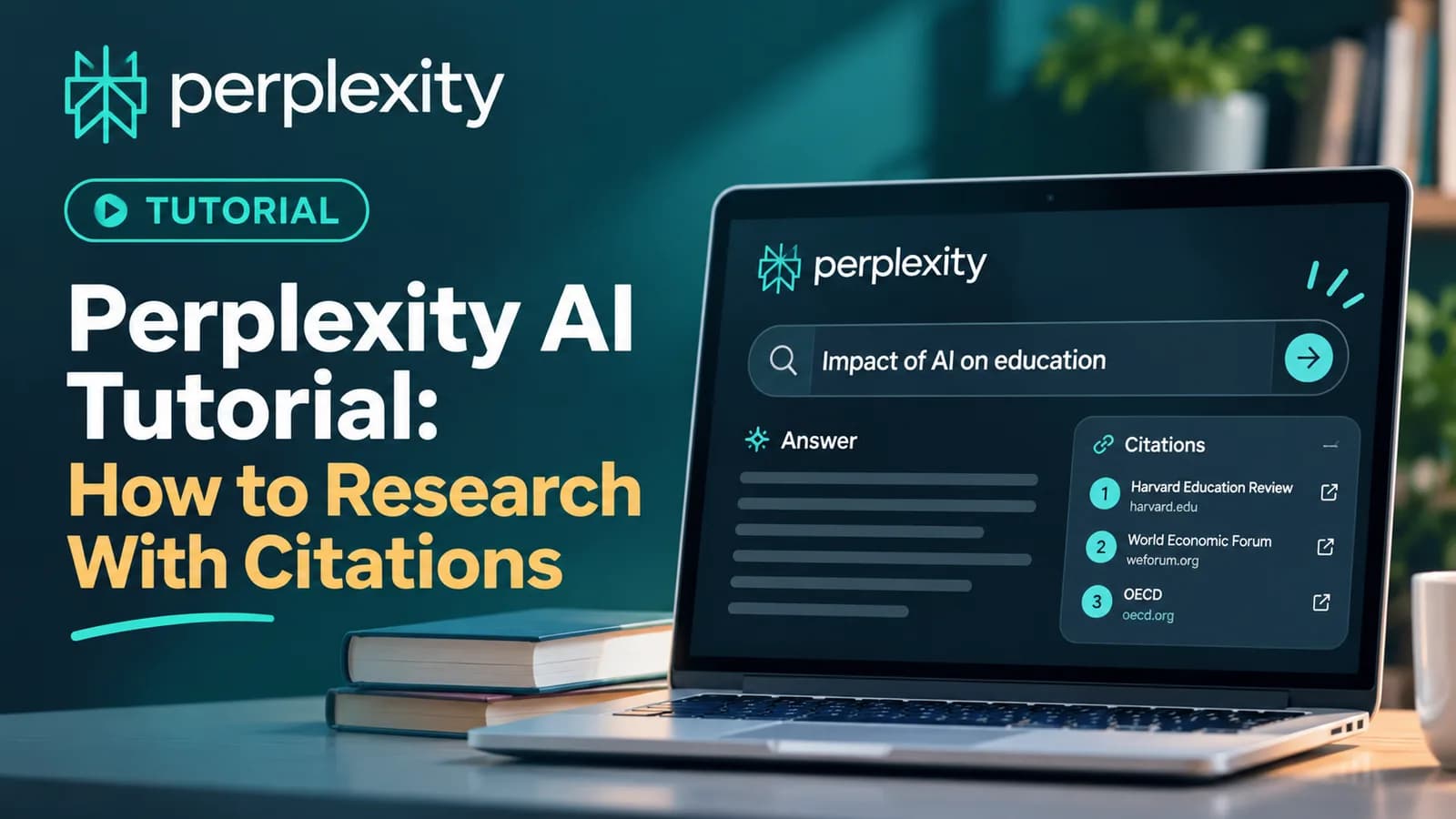
Quick answer: Perplexity is an AI search tool that answers your question in plain English and shows the sources behind the answer. To use it well, ask a full question, add context, say what format you want, and then open the citations to check them. Use Search for quick questions, Research mode for bigger ones, and Projects to keep related work in one place.
If you are looking for a Perplexity AI tutorial, you probably want one thing: a faster way to research that you can trust. This guide shows how to get started, how to ask better questions, and how to check what you get back. No coding is needed.
What is Perplexity AI?
Perplexity describes itself as an AI-powered search engine. Instead of a list of links, you get a written answer that is backed by sources. Each answer includes citations and links to the original pages, so you can verify the information yourself. You can read more on Perplexity's own page, What is Perplexity? (opens in a new tab).
Here is how it differs from a normal search:
| Feature | Normal search | Perplexity |
|---|---|---|
| What you get | A list of links to read | A written answer with citations |
| Your next step | Open pages and piece the answer together | Read the answer, then check the sources |
| Follow-up questions | Start a new search | Keep asking in the same conversation |
This makes it useful for research, comparing options and getting up to speed on a topic. It is one of the 11 tools in our guide to AI tools for productivity.
How to get started with Perplexity
- Open Perplexity on the web or in the mobile app.
- Type a full question in plain English, not just a keyword.
- Read the answer, then look at the sources listed with it.
- Open at least one or two sources to see that they say what the answer says.
- Ask a follow-up to narrow things down, such as "Explain that more simply" or "Show only sources from the last year."
Features and limits change over time, so check what your plan includes.
How to ask better questions
Perplexity's own tips for better answers come down to four habits.
- Start with a clear question. Ask a full question instead of a single word.
- Add context. Say who you are and what you need it for.
- Use keywords that matter. Include the details that narrow the answer.
- Say how you want the answer. Ask for a summary, a table, bullet points or steps.
Here is the difference in practice.
| Weak question | Better question |
|---|---|
| "Solar panels" | "I run a small shop in Kerala. What should I check before I buy solar panels for it? Give me a short checklist with sources." |
| "AI courses" | "I am a working professional with no coding background. Compare self-paced AI tool courses in India in a table: length, what is covered and how the certificate is awarded. Cite your sources." |
You can reuse this pattern for almost any research task. Copy it, fill in the gaps and keep private information out.
I am a [your role] who needs to [your goal]. Research [topic] and give me a summary in [format: bullet points, table or short report]. Use recent, reliable sources and cite each claim. Tell me where sources disagree, and what you could not find.
For more prompt ideas that work in any AI tool, see our prompt engineering templates.
Search or Research mode: which one to use?
Perplexity has a fast mode for quick questions and a deeper mode for bigger ones. According to its help center:
| Feature | Search | Research mode |
|---|---|---|
| Best for | Quick, specific questions | Bigger questions that need a full report |
| Speed | Fast | Slower. Perplexity says most tasks finish in a few minutes |
| Depth | Fewer sources for a basic search, more for an advanced one | Dozens of searches and hundreds of sources |
| Output | A cited answer | A cited report you can export or turn into a page |
Perplexity says free users get limited access to Research mode and Pro subscribers get extended access, and that limits reset on a rolling basis. Check Perplexity's plans page for current limits.
A simple rule: start with a normal search. If the topic is big, or you need a report to share, switch to Research mode.
How to check Perplexity's citations
This is the step that makes Perplexity useful, and the one people skip. A citation shows where an answer came from. It does not prove the answer is right.
Use this short checklist:
- Open the source. Does the page really say what the answer claims?
- Check the date. Is it recent enough for your question?
- Check who wrote it. Is it an official page, a news outlet, a study or an unknown blog?
- Compare two sources. If they disagree, treat the answer as uncertain.
- Watch for missing support. If a claim has no source, do not rely on it.
- Go to the original. For prices, rules and numbers, always confirm on the official site.
This habit is part of what we call AI fluency: using AI well and checking the result. It matters most for money, health and legal questions.
Use Projects to keep research organized
Perplexity lets you keep ongoing work in a Project. According to its help center, a Project is a shared workspace that keeps your searches, files and instructions in one place so you can return to the same work later. Projects are private by default, and you can invite others.
Good uses for a Project:
- A market research folder for one product or client
- Study notes for one subject
- A set of competitor checks you update every month
Add your goal and instructions once, upload the files you need, and keep related questions together. File sizes and storage limits are listed in Perplexity's help center, and they can change.
Five research tasks to try today
- Learn a new topic fast. "Explain [topic] to a beginner in five bullet points, with sources."
- Compare options. "Compare [option A] and [option B] in a table, with sources for each row."
- Prepare for a meeting. "Summarize what is public about [company] in the last six months, with links."
- Find sources for a report. "List five reliable sources on [topic] and what each one covers."
- Check a claim. "Is it true that [claim]? Show evidence for and against."
Try one now, then open the sources to check it.
A worked example: choosing accounting software
Say you run a small business in Kochi and want to choose accounting software. Here is how the steps fit together.
- Ask with context. "I run a small shop with three staff in Kerala. What should I look for in accounting software? Give me a short checklist with sources."
- Follow up for a comparison. "Now compare three popular options in a table: what they do, who they suit and how they charge. Cite each row."
- Open the sources. Check the date and whether each page is from the company itself or from a reviewer.
- Confirm the details yourself. Prices and features change, so check each company's official page before you decide.
- Save it. Put the question, the table and the sources in a Project, so you can come back and compare again next month.
The AI does the first round of reading. You do the checking and the decision.
Perplexity or ChatGPT: which should you use?
Use Perplexity when you need current, sourced information and want to see where it came from. Use an assistant such as ChatGPT, Claude or Gemini when you are drafting, rewriting, brainstorming or working with text you already have. Many assistants can now search the web too, so the gap is smaller than it used to be. What matters most is the habit of checking the sources, whichever tool you use. If you want to compare the assistants, read ChatGPT vs Claude and Gemini vs ChatGPT.
Mistakes to avoid
- Trusting the answer without opening the sources.
- Asking one-word questions. Add context and the format you want.
- Pasting private or confidential information into any AI tool.
- Treating old sources as current. Check dates.
- Using it for decisions that need a professional, such as legal, medical or tax advice.
Learn Perplexity with other AI tools
Perplexity works best alongside the other tools, because each one has a different strength. ChatGPT, Claude and Gemini are strong for writing and reasoning, and Perplexity is strong for sourced research. Our AI Tool Mastery course covers Perplexity as part of 11 tools, with hands-on practice, a capstone project and a certificate that anyone can verify online. Lessons are self-paced, with live classes and a Saturday Q&A, and no coding is needed. If you are just starting out, read how to learn AI without coding first.
For a wider view of which tools to learn, see AI tools for small business and our guide to AI tools for productivity.
Frequently asked questions
What is Perplexity AI and how does it work?
Is Perplexity free to use?
Are Perplexity's answers always correct?
What is the difference between Search and Research mode in Perplexity?
Can I upload my own files to Perplexity?
Do I need coding skills to use Perplexity?
Ready to go deeper?
Explore the full 30-day AI Tool Mastery certification — prompt engineering, 11+ tools and a real capstone project.